

RecRoomMasters
Arcade Joystick vs. Buttons: Choosing the Right Control Hardware for Your Xtension Build
Sep
You’ve just decided to build your own arcade cabinet, and now you’re staring at a parts list wondering why there are seventeen different joysticks and twice as many buttons to choose from. It’s overwhelming, especially when most of them look pretty similar at first glance.
Here’s the thing: picking a joystick arcade controller setup based on looks or brand name alone is one of the most common mistakes beginner builders make. The components you choose should match the games you actually play, not just the ones that look coolest in a product photo.
In this guide, we’re breaking down exactly how joysticks and buttons work, what makes them different from each other, and how your favorite game genres should be driving those decisions. We’ll cover everything from joystick gates and microswitch buttons to specific brand comparisons and a simple genre-to-hardware reference you can use right now. Whether you’re into fighting games, shooters, classic beat-em-ups, or a mix of everything, by the end of this post you’ll know precisely which components belong in your build and why.
Why Your Component Choice Matters More Than You Think
Most builders choose a joystick or button set because they’ve heard the brand name somewhere. Sanwa is popular, so Sanwa it is. That logic isn’t wrong, exactly, but it skips what actually matters: what do those mechanical differences do to your gameplay?
The honest answer: the wrong setup doesn’t just feel slightly off. It actively fights you. A joystick built for fluid shooter movement will feel imprecise when you’re trying to land frame-tight fighting game inputs. Buttons tuned for rapid sequential presses will punish you in genres where accidental inputs are costly. The hardware shapes the experience whether you’ve thought about it or not.
Price doesn’t sort this out either. Two buttons at nearly identical price points can behave very differently under specific genre demands. You’re not buying quality versus budget; you’re buying different mechanical behaviour.
The good news for Xtension builders is that the cabinets are designed to be built by the customer, so revisiting a component choice is far less painful than on a sealed, factory-built machine. Informed first choices still save you time, money, and frustration. For a broader look at how individual parts affect a build overall, this breakdown of arcade cabinet parts for Canadian builders is worth a read before you order anything.
This guide uses one filter throughout: match your hardware to the genres you actually play.
Joystick Types Explained: Gates, Travel, and What They Actually Do
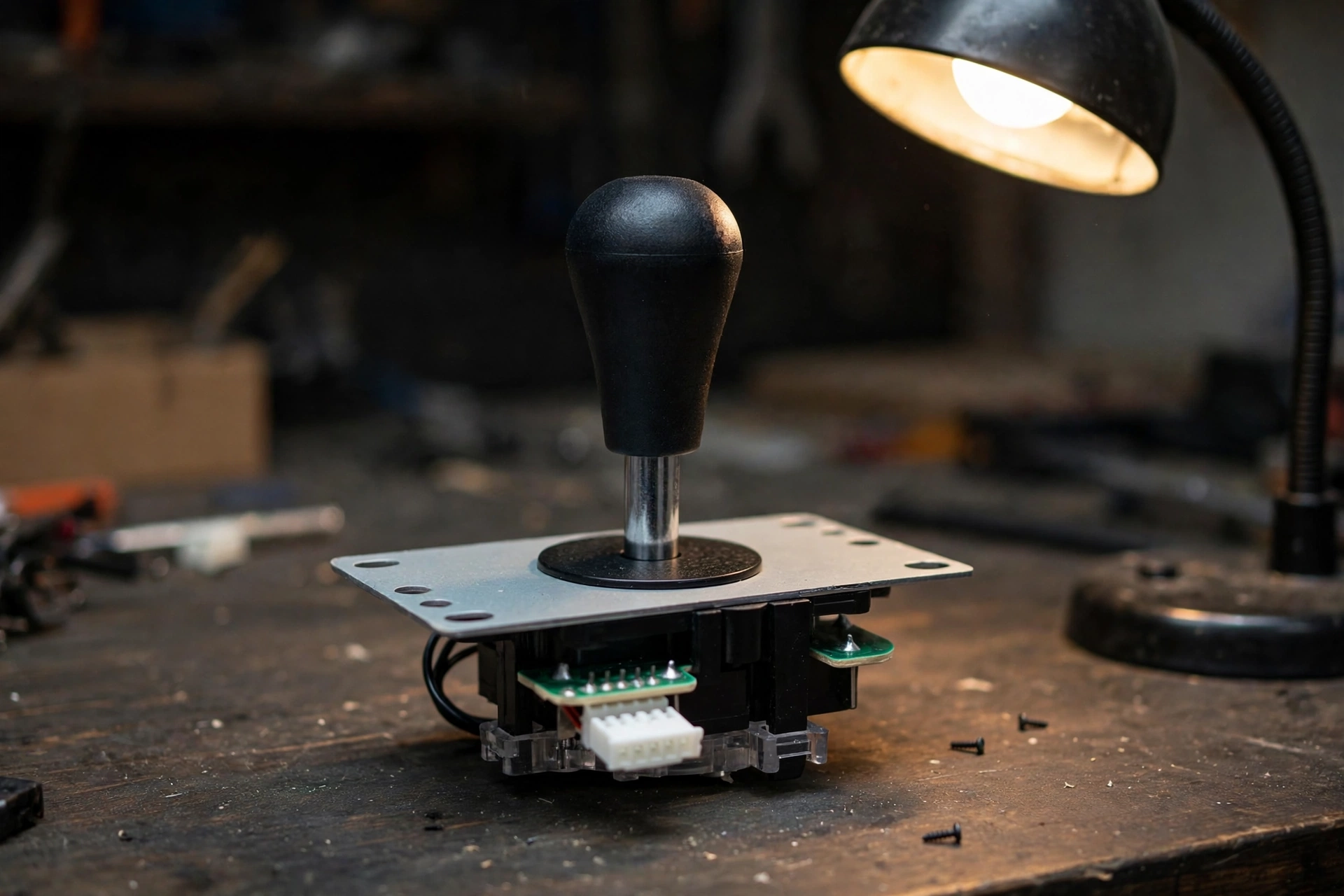
A joystick arcade controller doesn’t register direction through magic. It registers direction through three cooperating elements: the shaft you grip, the actuator that transfers movement downward, and the gate, a restrictor plate, that physically limits where the shaft can travel. Most builders spend zero time thinking about gate shape. That’s a mistake.
Square gates are the most common configuration found on Japanese-style joysticks. The four defined corners create a physical stop at each diagonal, so when you need a down-forward input, your hand feels it land. That repeatability is hard to overstate for precision play.
Octagonal gates shave off those corners into eight sides. The result is a smoother, more guided path for circular or sweeping motions. If your game library leans toward older genres or movement-heavy titles where you’re constantly tracing arcs rather than snapping to diagonals, an octagonal gate may feel more natural.
American-style bat-top sticks drop the restrictor gate entirely, or use a very loose one. The shaft is taller, the feel is springier, and there’s noticeably more travel before an input registers. That looseness suits players who want flowing, relaxed movement rather than sharp directional clicks.
Which brings us to throw distance: in practice, short-throw sticks are tuned to register input with minimal shaft movement, favouring fast directional changes. Long-throw sticks require more physical travel, giving you stronger tactile feedback on every input.
Gate geometry and throw distance together are the real foundation of any controller options decision you’ll make for your build.
Arcade Stick Buttons Explained: Microswitches, Actuation, and Layout
The joystick handles direction. The buttons handle everything else. And the difference between a satisfying button press and a maddening one comes down to what’s hiding underneath the plunger.
Arcade stick buttons use a microswitch as their core mechanism. When you press down, the plunger activates a tiny mechanical switch inside the housing. That click you feel? That’s the switch doing its job. Membrane and rubber-dome buttons work differently, using pressure across a surface layer rather than a discrete snap point. Microswitches are faster, more consistent, and far easier to replace when they wear out.
Actuation force is the weight required to trigger that switch, typically measured in grams. Lighter switches fire with minimal effort, which speeds up rapid sequential presses. Heavier switches require deliberate contact, reducing accidental inputs during intense moments.
Sanwa buttons are the industry baseline for good reason. Light actuation, minimal travel, fast registration. If you’re playing fighters or any genre that rewards quick, repeated presses, Sanwa is the default most builders land on.
Seimitsu runs slightly stiffer with shorter travel. Some players actively prefer that resistance in precision-heavy games where one unintended press can cost you dearly.
Beyond brand, button layout matters just as much as the hardware itself. A 6-button panel covers fighters and most classics comfortably. An 8-button panel adds flexibility for games with more mapped actions. For multi-genre Xtension builds, layout real estate often matters more than which brand fills those spots. If you’re curious how specialised button configurations extend into other formats, the standalone pinball button options show how much layout design shapes the play experience.
Fighting Games: Where the Arcade Stick Really Earns Its Reputation
Fighting games are the clearest case for purpose-built hardware. Every input matters at the frame level, and many fighting game players prefer square gates because the defined corners provide a tactile reference point for quarter-circle and half-circle motions.
The button side of the equation is just as critical. Techniques like piano inputs, where you roll your fingers across buttons in rapid sequence, are natural on a full-travel microswitch layout. Your fingers hover, they don’t grip, and that distinction compounds over a long session.
Speaking of long sessions: many players report less wrist fatigue during long sessions compared to clenching a handheld controller, wrist resting flat on the panel, fingers loose above the buttons, reduces sustained grip tension.
That light-actuation, precise-travel profile, covered in the buttons section above, is why the fighting game community’s preference for Sanwa and Seimitsu runs so deep.
If your Xtension build is primarily a fighting game cabinet, the spec priority is straightforward: square gate, light-actuation buttons, full stop. The fight stick upright arcade cabinet is built with exactly that use case in mind. Pick the hardware that matches how you actually play, not what looks sharpest on the panel.
Shooters and Shmups: When Smooth Motion Beats Snappy Corners
Fighters reward sharp corners and deliberate diagonals. Shooters are the opposite.
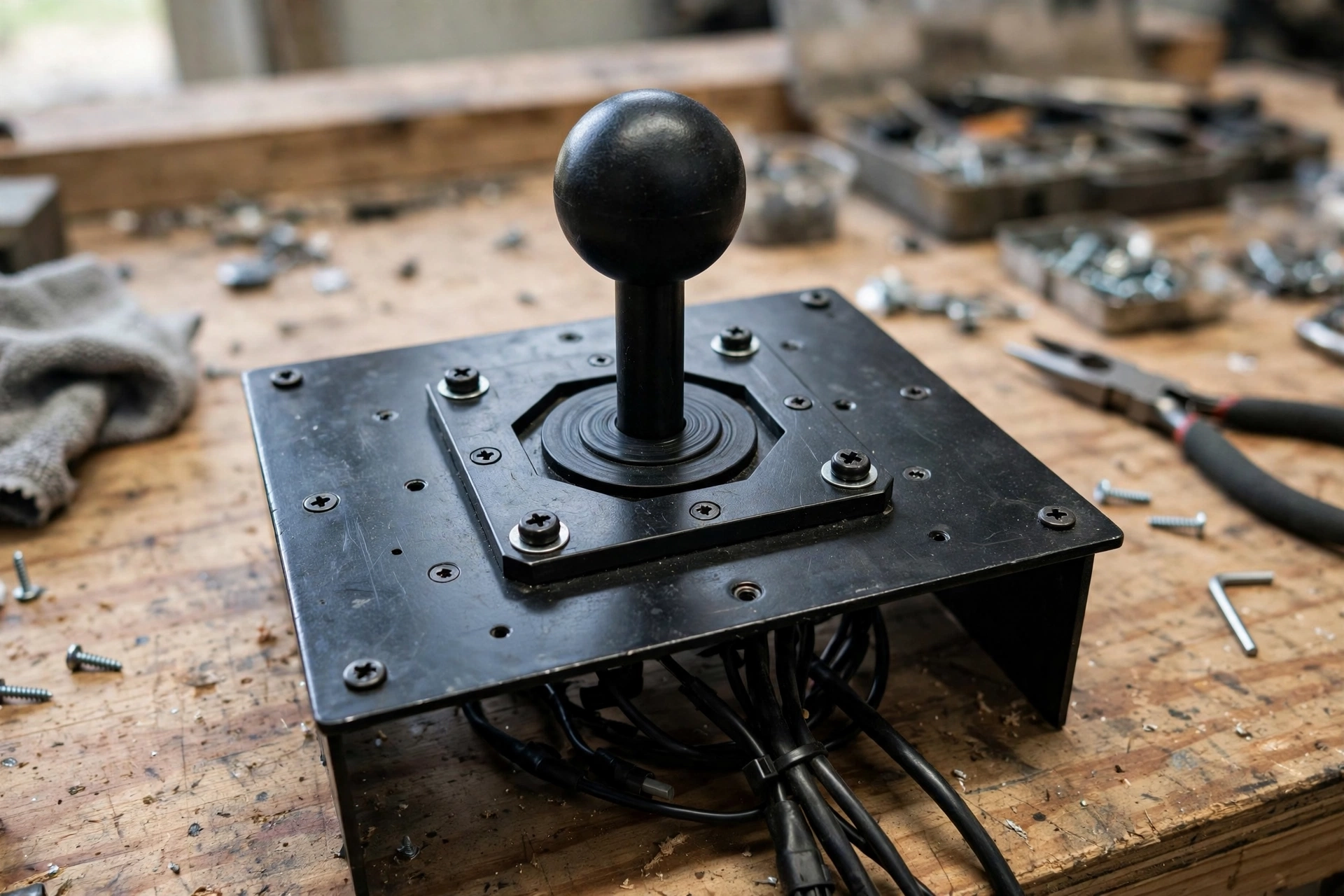
Bullet-hell and vertical shmups demand constant, fluid directional movement. You’re not snapping to a corner and holding; you’re weaving continuously through bullet patterns that come from every angle. On a square gate, those defined corners can interrupt circular motion at exactly the wrong moment.
That’s why many shmup players report that octagonal gates and American-style bat-top joysticks feel more natural for the fluid, arc-heavy movement the genre demands. The rounded guide lets you trace smooth arcs and diagonal transitions without catching on a corner mid-dodge. It’s a small mechanical difference with a noticeable gameplay payoff when bullet hell is your main diet.
Buttons are less of a debate here. Shooters typically use one or two fire inputs, held down or tapped rhythmically. You’re not chaining frame-precise sequences, so actuation weight is less critical than durability under sustained, repetitive use. Mid-weight buttons handle this comfortably without wearing out quickly.
Run-and-gun titles split the difference. Classic side-scrolling action games need clean directional inputs for jumps and positioning, but they don’t punish you for a few milliseconds of imprecision the way a fighter does. A square or octagonal gate both work reasonably well here.
The practical takeaway: for a shooter-focused Xtension build, spend your decision-making energy on the joystick, not the buttons. Gate geometry and throw feel drive the experience. A joystick arcade controller with an octagonal gate and mid-weight buttons is a reliable starting point. If you’re building for group play, the 4-player arcade controller is worth a look for shooter sessions with friends.
Beat-Em-Ups, Classics, and the Multi-Genre Build Problem
Beat-em-ups sit in an interesting middle ground. Final Fight, Streets of Rage, Golden Axe, these games want clean 8-way directional input, but beat-em-ups generally tolerate a slightly imprecise diagonal in a way that fighting games do not. You have more room to breathe, which means joystick choice is less critical here than for fighters.
The real challenge appears when your game library spans genres. Platformers, puzzle games, run-and-gun titles, beat-em-ups, and the occasional fighter all on the same machine? No single hardware spec wins across that mix. What wins is balance.
For a multi-genre Xtension build, a square-gate joystick with moderate throw and mid-weight buttons (Sanwa or a comparable equivalent) covers the widest range without meaningful trade-offs. It’s not the perfect tool for any one genre; it’s a reliably good tool for all of them. In daily use, that matters more than peak performance in a niche.
On layout: go with 8 buttons even if most of your games only use 6. The extra real estate costs you nothing during games that don’t need it, and it saves you from awkward button remapping when something does. Future-proofing a panel is easier than retrofitting one.
The broader principle: resist optimising for one genre at the expense of everything else. A setup tuned for your favourite game can actively work against everything else you play.
Xtension cabinet panels built for the Canadian DIY market are designed with layout flexibility already baked in, so the balanced hardware approach recommended here fits without any modification to the physical build.
Brand Breakdown: Sanwa, Seimitsu, and the Other Names You’ll See
Once you’ve settled on the right gate and button feel for your game library, brand names start making a lot more sense.
Sanwa (Japan): Sanwa’s light-actuation profile, covered in the buttons section above, makes it the safe default for most first builds.
Seimitsu (Japan): Seimitsu’s slightly stiffer feel, also covered above, suits players who want more tactile feedback and fewer accidental inputs. Some players who prefer firmer, more deliberate button feedback, including in precision-heavy shooters, gravitate toward Seimitsu.
Crown/Samducksa (Korea) has a long-standing reputation among the Korean fighting game community for a feel that sits between Sanwa’s featherlight touch and Seimitsu’s firm resistance, with solid durability.
Budget-tier alternatives often use familiar button designs; quality can vary, and for players logging serious hours, an upgrade to a known brand is worth the modest cost difference.
The key principle: pick your gate type and actuation preference first, then find the brand that delivers those characteristics at your budget.
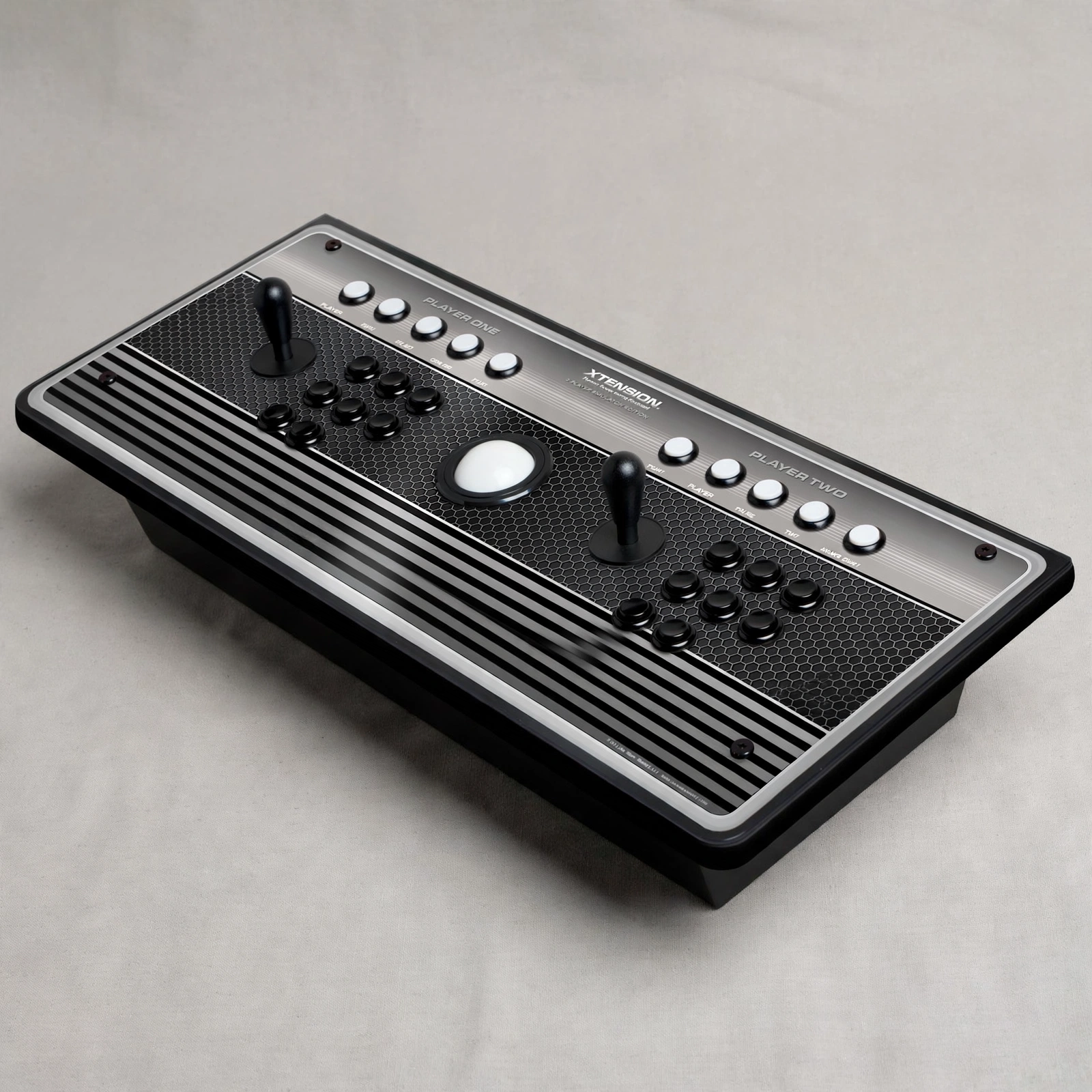
The Xtension 2-Player Pro Arcade Controller ships fully assembled and ready to use across modern consoles and PC, and swapping components is straightforward enough that starting mid-tier and upgrading later is a completely valid strategy.
Quick-Reference: Matching Your Game Genre to the Right Hardware
Now that you’ve matched brands to their mechanical personalities, here’s how those characteristics land in practice by genre.
| Game Type | Gate | Throw | Buttons | Layout |
|---|---|---|---|---|
| Fighting games | Square | Short-to-medium | Light actuation (Sanwa baseline) | 6 or 8 buttons |
| Bullet-hell shmups | Octagonal or American-style | Medium-to-long | Durable, mid-weight | 2-4 buttons sufficient |
| Run-and-gun / action | Square or octagonal | Medium | Mid-weight | 4-6 buttons |
| Beat-em-ups and classics | Square | Medium | Any mid-tier brand | 6 buttons covers nearly everything |
| Multi-genre builds | Square | Medium | Sanwa or Crown/Samducksa | 8 buttons for full flexibility |
A few things worth noting here. Fighters demand the most precision from your hardware, which is why the recommendations get specific. Shmups put most of the work on the joystick, so the gate and throw matter far more than which buttons you choose. Beat-em-ups and classic titles are genuinely forgiving; they reward balanced setups over specialized ones.
One honest caveat: this table is a starting framework, not a rulebook. Muscle memory from years on a specific stick type is a real factor. If you grew up on American-style bat-tops, that experience travels with you and can absolutely override what the genre column says. Use this as your first filter, then trust what your hands already know.
Build for What You Play, Not What Looks Good on a Spec Sheet
That quick-reference table gives you the map. Now you just need to decide to use it.
Gate shape and button actuation weight are where your component decision actually starts, everything else flows from those two choices. Genre preference is your most reliable filter: fighters reward square gates and light buttons, shooters benefit from smoother gate geometry and durable switches, and multi-genre builds land best with a balanced middle-ground setup.
No first choice on an Xtension build is permanent. Components swap out cleanly, so if you start with one setup and your game library shifts, you’re not starting over from scratch. That said, an informed first choice still saves you real money and frustration compared to buying twice.
When you’re ready to move from reading to building, the controller options and Xtension cabinet lineup at Rec Room Masters is the right place to start browsing. You now know what you need. Go build it right.
Conclusion
Choosing the right joystick and buttons is not about chasing specs or matching what a pro uses. It comes down to three things: knowing your primary genre, understanding how gate shape and actuation weight affect your actual play, and building around components that match your hands rather than a mood board.
You have the knowledge. You have the framework. Now put it to work and build the cabinet your game library actually deserves.
