

RecRoomMasters
Home Arcade Buying Guide: Cabinets, Controls & Setup
Oct
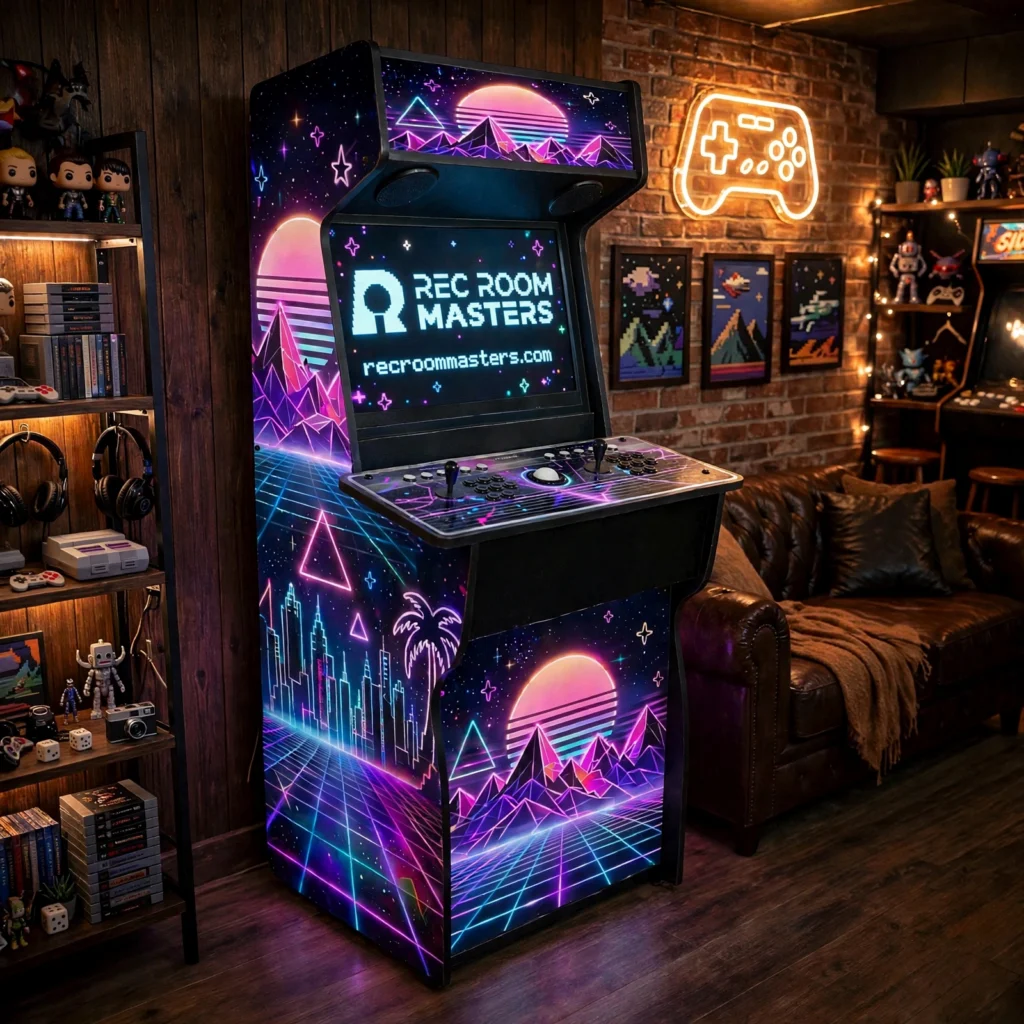
Building a home arcade is no longer a niche project reserved for collectors with deep pockets. Today, beginners can choose from upright, cocktail, bartop, and mini cabinets, then pick a plug-and-play, multi-game, or build-your-own path that fits their space, budget, and patience. The hard part is not wanting one. It is knowing which machine to buy, how it will fit your room, and what happens between delivery and the first game.
This guide gives you a clear, practical framework for making those decisions with confidence. You will start by understanding why a home arcade makes sense now, then choose your format and match the cabinet to your room’s space, height, and placement. Next, you will compare purchase paths and learn how joysticks, buttons, trackballs, power, wiring, and safety checks affect your choice. We will cover what self-assembly really takes, how to configure games and software, and how to budget for price tiers and hidden costs. By the end, you will have a decision checklist that turns a confusing market into a straightforward purchase and setup plan.
Why a Home Arcade Makes Sense Right Now
The case for a home arcade in 2026 rests on two things buyers can verify: steady category growth and a widening gap between cheap novelty cabinets and well-built ones.
Market research firm Dataintelo values the arcade cabinet category at $2.8 billion in 2025 and projects $4.9 billion by 2034, a 6.4% compound annual growth rate. Note the scope: that figure covers commercial and residential end users combined, so it is not a home-only number. Published estimates vary widely depending on whether venues are included, which is exactly why a buying guide should not lean on them. What matters for you is simpler. Demand is rising, and nostalgia is a named driver in these forecasts, with millennial and Gen X households revisiting the games they grew up with and bringing them into basements, dens, and living rooms rather than leaving them to bars and family entertainment centres.
The more useful trend is what buyers are choosing within that demand. Mass-market cabinets sell on price, a fixed game list, and a look. They are fast to set up and easy to outgrow. Self-assembly cabinets built from quality parts sell on the opposite promise: thicker panels, serviceable components, and controls you can replace rather than abandon. That is the real fork in the road, and it shapes every section that follows.
So this is not a build log or a spec sheet. It is a comparison-driven purchase sequence: decide space and format, choose cabinet and controls, plan power and placement, assemble, then configure your games. Each section ends with a decision you can act on.
If craftsmanship over novelty describes what you want, read why Rec Room Masters stands apart from other arcade cabinet builders before you start comparing options.
Choose Your Format First: Upright, Cocktail, Bartop, or Mini
Before you compare brands, prices, or game lists, settle the decision that constrains all of them: the format. The home arcade category segments into four shapes, upright, cocktail, bartop, and mini, plus a small “others” bucket of hybrids and custom builds. Format comes first because it locks in three things you cannot change later: footprint, player count, and posture.
Upright cabinets are the default for good reason. They support two-player standing play, and they are the easiest format to source replacement parts and panels for, which matters for a machine you intend to keep for years.
Cocktail cabinets sit at table height with two players facing each other. They earn their place when the room has to do double duty, working as furniture rather than a dedicated arcade corner. The trade-off is a smaller shared screen and a viewing angle that suits some games better than others.
Bartop cabinets are countertop or desk scale. They have the smallest practical footprint, usually serve one player, and fit apartments, offices, and dens where an upright will not clear. That advantage is also the limit: less panel space, fewer controls, and no room for two players to stand comfortably.
Mini cabinets are novelty scale at the lowest entry cost. Smaller screens and simplified controls make them a good match for casual play, kids, and decor. If you want authentic stick feel across long sessions, they will disappoint.
If you are weighing the two most common shapes specifically, this breakdown of upright versus sit-down arcade cabinet designs covers floor space, game preferences, and who in the household actually plays.
The rule is simple: pick format before brand or game list. No game selection fixes a cabinet that does not fit the room, and no upgrade path rescues a posture you do not enjoy. With your format chosen, the next question is whether the room itself can actually host it.
Match the Cabinet to the Room: Space, Height, and Placement
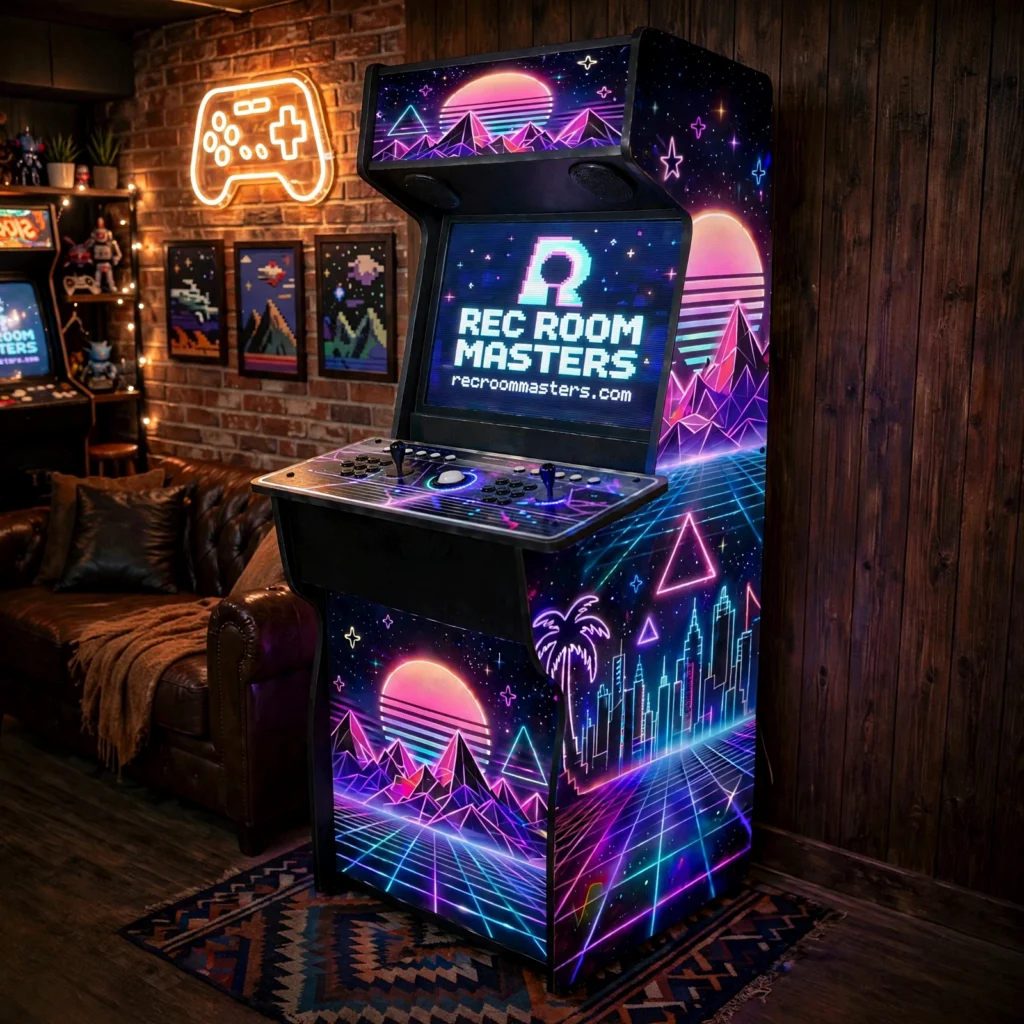
Before you order, measure three dimensions, not one: the cabinet footprint, the standing clearance behind an upright, and the swing of any nearby door or drawer. Plan on roughly 60 cm (2 ft) of player space behind an upright, and confirm no closet door or room door strikes the control panel when open.
Ceiling and anchoring. Upright marquees typically finish around 1.7 to 1.8 m (5.5 to 6 ft), so check ceiling height, light fixtures, and bulkheads before committing. You also need a wall segment long enough to anchor against. Freestanding uprights are top-heavy and can tip; North American regulators now treat furniture stability as a mandatory standard for storage units, and a 45 to 90 kg cabinet deserves the same respect. Anchor into a stud or use hardware rated for the load.
Power and cord routing. Confirm whether the outlet shares a circuit with high-draw appliances before delivery day. If the cabinet sits far from the wall, plan the cable route instead of defaulting to an extension cord. The U.S. Consumer Product Safety Commission estimates roughly 4,000 emergency-room injuries a year are attributed to extension cords, about half from trips. Run cables along the wall or under a cord cover.
Flooring, weight, and light. Place the cabinet on level flooring, and use furniture pads or a mat on hardwood or tile to prevent scratches and point loading. Face the screen away from windows where you can, since glossy panels glare and a smaller bartop display washes out quickly in a bright room. Sit or stand in the play position and check that your eye line lands near the screen centre.
The two-minute test. Tape the footprint plus clearance on the floor with painter’s tape, then stand in the play position for two minutes. If it feels cramped now, it will feel worse at hour two. For a fuller walkthrough of layout, clearance, and lighting after the build, read our guide to setting up your Xtension arcade cabinet.
Pick a Purchase Path: Plug-and-Play, Multi-Game, or Build-Your-Own
Settling the room fit clears the way for the money question: how much cabinet are you buying, and how much are you building? Three paths cover nearly every retail option, and they trade convenience against control.
Plug-and-play. Buy it, plug it in, play it. This path wins on speed outright, but you accept a fixed game list, consumer-grade components, and very little room to upgrade later. In the consumer-grade segment, mass-market brands set the honest benchmark for what this tier delivers.
Multi-game cabinets. These ship with larger built-in libraries and more say over what is included, landing mid-way on price and effort. If you want variety without assembling anything, this is the path. Understand what you are buying, though: retailers commonly list Batocera, Hyperspin, and RetroPie as the software backbone for these builds, so you are choosing a software ecosystem as much as a cabinet. Each front end carries its own learning curve. Hardware quality also varies most in this middle tier, since two cabinets with identical libraries can use very different panels and sticks.
Build-your-own and self-assembly kits. Highest control over panel thickness, parts quality, and future upgrades, in exchange for assembly time and a willingness to read instructions. Rec Room Masters sells cabinets as self-assembly builds with quality parts, which sits at the premium end of this path.
Compare the three on four axes: upfront cost, assembly effort, upgradeability, and expected lifespan. Plug-and-play wins on speed. Self-assembly wins on longevity and repairability, because standard parts can be swapped individually instead of replacing the whole unit.
The trade-off buyers miss most often is the fixed game list. A sealed cabinet with 12 built-in titles is a 12-title cabinet forever, with no upgrade path. If your library matters, choose a path that supports adding or swapping titles. If you are weighing a low-cost kit, start with what actually arrives in the box: Raspberry Pi arcade cabinet kit: what the DIY builder actually gets (and what they don’t) breaks it down before you spend.
Decide which path you are on before you compare brands, because the path determines which specifications actually matter.
Controls and Components: Joysticks, Buttons, and Trackballs
The control panel is where a cabinet is won or lost, and the specification that matters most is not the brand stamped on the stick but the gate underneath it.
Gating over branding. A 4-way restrictor gate physically blocks diagonal inputs, which is exactly what Pac-Man and Donkey Kong expect. Run those titles on an 8-way gate and the character stalls or takes wrong turns. Eight-way gates suit fighters and shooters, where diagonals are mandatory. Some sticks let you switch later: on quality Japanese-style sticks the gate rotates between positions, and powered switchable kits exist for buyers who want both without disassembly. Note the installation constraint, since a servo-style switcher needs roughly 5 cm of clearance below the restrictor plate.
Switch types. Microswitch sticks and buttons are the modern default and give the crisp click most players associate with arcade play. Leaf switches feel softer and reproduce the pre-1990s cabinet response. Optical and hall-effect options remove physical contact wear, which matters on a cabinet that gets daily use.
Button layout. Six-button panels cover the vast majority of fighting and beat-’em-up libraries. Eight-button layouts add flexibility but widen the panel, and they only help if your game list needs the extras. Concave buttons cup the fingertip; convex buttons sit flatter. Spacing between rows affects hand fatigue more than most buyers expect across long sessions.
The compatibility trap. Golden Tee, Marble Madness and Tempest rely on trackballs and spinners. No joystick-and-button panel substitutes for them. If those titles are on your must-play list, budget for dedicated controls from the start. A printable arcade cabinet parts checklist helps you confirm every component before ordering.
Player count. Two-player panels need roughly double the control footprint of a single-player layout, which pushes the cabinet further from the wall and changes your room plan.
Finally, know what arrives in what state. Rec Room Masters cabinets are self-assembly builds, while its controllers ship fully assembled and ready to use, so the panel is the plug-in step, not another build. With controls settled, the next question is how the cabinet draws power and how safely it is wired.
Power, Wiring, and Safety: What to Check Before You Buy
With the control panel settled, the next decision happens before delivery: how the cabinet gets its power, and what documentation backs it.
Ask for documentation, not assurances
Manufacturer-side guidance for arcade equipment points to UL listing for electrical safety and FCC compliance for electromagnetic interference in the US, with CE marking under the Low Voltage and EMC directives plus RoHS compliance for EU sales. Treat that as a starting point, not a promise. There is no single US federal body that certifies arcade machines as a category, and the guidance that exists was written for operators and importers, not households. Power supplies are commonly evaluated against UL 62368-1, the standard covering fire and electric shock risk in audio/video and IT equipment, but the burden of proof sits with the seller.
So request proof before you pay. Ask for:
- The power supply’s make and model, plus the listing marks printed on it
- Confirmation that voltage and plug type suit your region’s outlets (120 V, 60 Hz in North America)
- Answers in writing, by email, rather than over the phone
A documented build uses parts you can identify and replace later. If the seller cannot name the power supply, that tells you something useful about the rest of the cabinet. Our guide to arcade cabinet parts explains which components carry the most weight.
Heat, power, and cable routing
A cabinet with a computer inside runs warm. Leave clearance behind the rear panel for airflow, and never push one into a sealed closet or against a radiator. Sustained heat shortens component life and produces intermittent faults that are painful to diagnose. If the cabinet sits in a finished basement with poor air movement, a small fan is worth considering.
Plug into a quality surge protector. For a cabinet running a PC, monitor, and audio, it is inexpensive insurance against one bad storm. Route cables along baseboards and behind the cabinet, away from foot traffic, and secure slack with ties. Most home arcade accidents are tripping accidents, and they are entirely preventable.
What Self-Assembly Really Takes: Tools, Time, and Skill
Once power and safety questions are settled, one unknown remains for most buyers: what the build actually involves.
The skill bar is lower than you think. A self-assembly arcade cabinet sits at roughly flat-pack furniture level. You are not cutting, routing, or finishing wood. You are aligning pre-cut panels, driving fasteners into pre-drilled holes, and following a sequence. Patience and careful reading matter far more than a workshop.
The realistic tool kit:
- A screwdriver set, Phillips and flathead
- Allen keys, usually supplied with the kit
- A rubber mallet for seating panels without marring edges
- A cordless drill for pilot holes where the instructions call for them
- A soft blanket or flattened cardboard to protect panels mid-build
- A helper, essential for the large side panels
Time, honestly. Plan a weekend afternoon for a first build. Two people cut that time meaningfully and reduce the two most common mishaps: stripped fasteners and scratched panels. Working alone is possible, just slower and harder on your back.
Before you start. Inventory every part against the packing list. Read the full instruction sequence once before touching a screw. Build in a space with more floor area than the finished footprint, because panels need to lie flat before they stand up.
Why the effort pays off. Self-assembly is the trade that buys thicker panels, better controls, and repairable components. Those materials cost what they cost, and a factory-finished premium cabinet must absorb labour into its price. Assembling it yourself is how you get the good parts without the finished-goods
premium. Our guide to what arrives in the box with an Xtension machine walks through exactly what you get.
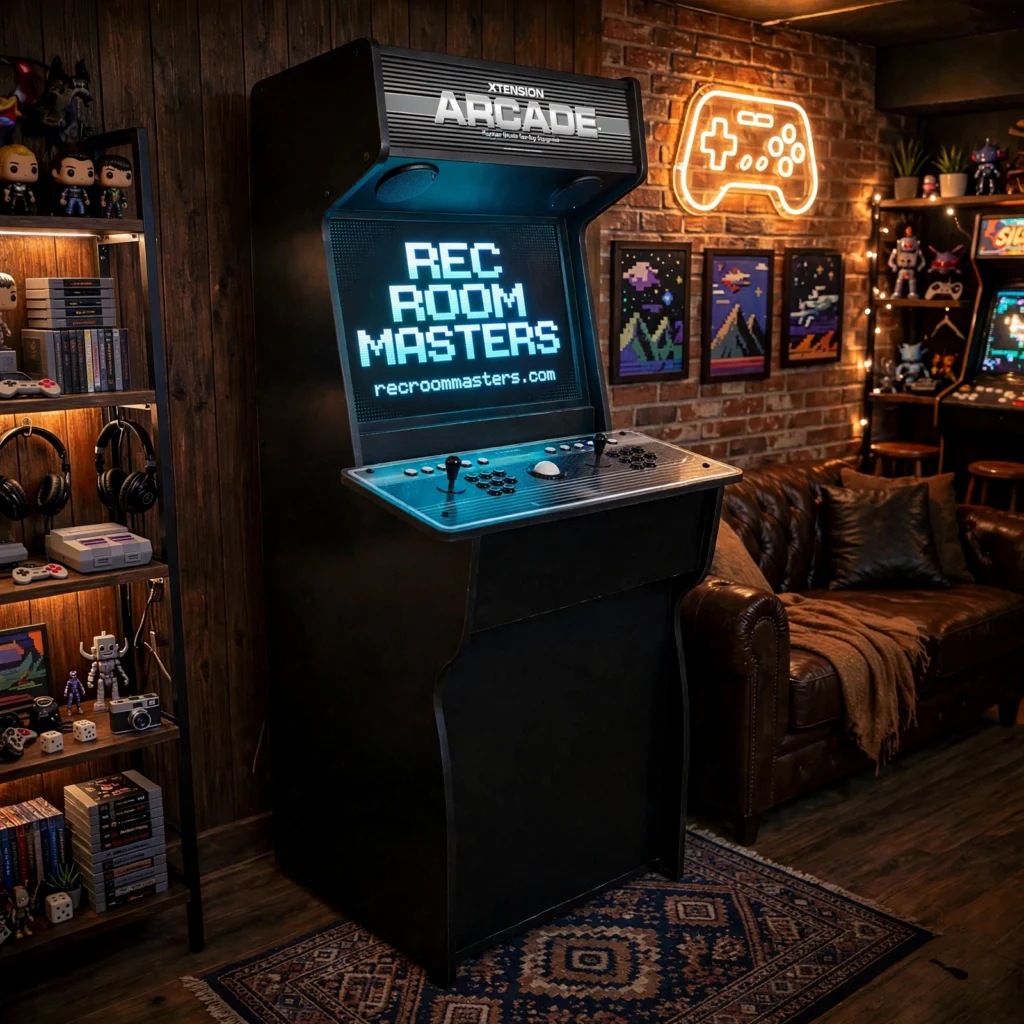
One last distinction: on Rec Room Masters orders, controllers ship fully assembled and ready to use. The build is the cabinet. The controls are the plug-in step at the end.
With the cabinet standing, the remaining work shifts from hardware to software.
From Purchase to Play: Configuring Games and Software
With the cabinet assembled and controllers connected, software is the last gate between you and play. Map that choice before you buy, because Batocera, Hyperspin, and RetroPie appear across retail listings as the common front ends, and each demands different effort: Batocera is the friendliest for a first setup, RetroPie rewards comfort with Linux, and Hyperspin offers the flashiest menus at the highest configuration cost.
Then settle library type. A fixed-library cabinet plays what it shipped with, full stop. An open cabinet lets you add titles. Ask the seller one direct question: “Can I add my own games, and does that void support?” The answer tells you which you are buying. If flexibility matters, this guide to how many games one Xtension cabinet can run walks through emulator-ready hardware.
Control mapping comes next. Assign buttons per system rather than forcing one universal layout, and save a profile for each. Before you commit, test a four-way game with a four-way gate; a diagonal-heavy fighter layout will ruin Pac-Man.
Display settings decide whether older titles look right. Set correct aspect ratio, enable integer scaling to avoid shimmer, add scanline filters only if you like the CRT look, and match refresh rate so games run at their designed speed.
Finish with a test-and-commit routine: press every button, run the loudest and heaviest game, and listen for rattles. Then bolt the cabinet to the wall and tidy the cabling.
Budgeting Your Home Arcade: Price Tiers and Hidden Costs
Once the games are configured and the cabinet is bolted in, the only question left is whether the money was well spent. Budget in tiers, not a single sticker price.
Three price tiers. Entry-level mini and bartop units cost the least and suit casual play, kids, and small rooms, but their control feel and screens are limited. Mid-range multi-game uprights sit in the middle: broader libraries, consumer-grade parts, moderate effort. Premium self-assembly cabinets built from quality parts cost the most upfront, and that premium buys thicker panels, standard components, and a machine you can repair.
Controls are their own budget line. Joysticks, buttons, trackballs, and spinners vary widely in price, and adding a trackball or spinner pushes the total higher. Upgrading a cheap panel later usually costs more than specifying good controls up front.
Hidden costs first-time buyers miss. Add a surge protector, cabling, delivery and handling for a heavy cabinet, and wall anchoring hardware. The CPSC’s Anchor It! guidance recommends anchoring tall furniture with brackets and a strap; the work is quick, and anchor holes can be filled, which matters for renters. Ask for a delivered price in your currency so freight, brokerage, and duty are not a surprise.
Think total cost of ownership. A repairable cabinet with standard parts can be serviced for years. A sealed consumer unit that fails is often a full replacement.
The prioritization rule. Spend first on format fit and control quality, because both affect every session. Spend last on cosmetic extras.
Your Home Arcade Decision Checklist
Work this list in order: format, room fit, purchase path, controls, power and safety, assembly, then software. Each step constrains the next, so choosing controls before you have measured the room is how buyers end up with a cabinet that does not fit or a panel they resent.
Three Moves to Make This Week
Tape the footprint. Painter’s tape on the floor, real dimensions, then stand in the play position. Ten minutes now beats a return shipment later.
Request power documentation. Ask the seller for the power supply model, its listing marks, and written confirmation that voltage and plug type suit your region. Get it in writing before you pay.
Choose your purchase path. Do you want plug-and-play speed, or a self-assembly cabinet you can repair and upgrade for years? That single answer filters most of the market.
What You Will Live With Longest
Controls outlast almost everything else in the build. Gate type, switch feel and button layout shape every session, so specify them properly up front. If a weekend of assembly is not how you want to spend your time but you still want premium parts, fully assembled controllers paired with a self-assembly cabinet is a legitimate middle path.
Where That Leaves You
If that combination matches how you want to buy, Rec Room Masters sells self-assembly cabinets built from quality parts alongside controllers that arrive ready to use. A home arcade is a ten-year purchase, not a seasonal one. Buy once, repair as needed, and play.
Conclusion
A home arcade is a long-term purchase, so decide in the right order: format, room fit, purchase path, controls, power and safety, assembly, then software. Measure the footprint, get power specs in writing, and choose controls you will enjoy for years. These steps protect your budget and prevent a cabinet you resent. If you want premium feel without a full custom build, pair ready-to-use controllers with a self-assembly cabinet. That middle path delivers quality, serviceability, and speed. Ready to start? Tape the floor, request the specs, and choose your purchase path this week. Explore Rec Room Masters for self-assembly cabinets and premium controllers. Buy once, repair as needed, and play.
Frequently Asked Questions
What actually arrives when I order a cabinet? A self-assembly kit: you put the cabinet together, and the controllers arrive already assembled. The control panel is integrated flush into the cabinet top — no bolted-on box that can shift or loosen.
What’s the real total cost? The Xtension upright 2-player starts at $1,095; the default trackball configuration is $1,195 (trackball add-on is +$100). Options price on top — amp/speakers +$110, pinball buttons +$75, coin door +$50 or +$80, locking door +$30.
Do I need my own PC? Yes — the cabinet is the arcade hardware, you bring the gaming rig. If you’d rather not build one, Arcade One sells pre-configured gaming PCs built to drop straight into an arcade cabinet.
Do you ship to Canada? Yes — Rec Room Masters ships to the USA and Canada.
Any setup safety tips? Route your cables like someone will trip on them — because someone will. The U.S. Consumer Product Safety Commission estimates roughly 4,000 extension-cord injuries are treated in hospital emergency rooms each year, about half from tripping. Keep cords behind the cabinet, don’t daisy-chain power strips, and give the machine its own clean run to the wall.
