

Uncategorized
Arcade Controller for PS5 and Xbox Series X: What to Look for in a Modern Fight Stick
Sep
You spent years building the perfect setup. Custom artwork, quality buttons, a stick that felt like an extension of your hands. Then you bought a PS5 or Xbox Series X, plugged in your trusty fight stick, and… nothing. No recognition. No workaround. Just a very expensive paperweight sitting next to your shiny new console.
If that sounds familiar, you are not alone. The jump to current-gen consoles quietly broke compatibility for a huge number of arcade controllers, and the arcade stick PS5 situation is messier than most manufacturers want to admit. Some sticks work natively. Some work only in fighting games. Some need adapters. And some simply do not work at all.
This guide cuts through the confusion. You will learn why older sticks stopped working, what input protocols actually matter, how to evaluate PCB quality before you buy, and when an adapter is a reasonable solution versus a compromise waiting to fail. You will also get a clear look at what the Xtension fight stick line brings to current-gen players, plus a five-question checklist to run before you spend a dollar on any arcade controller.
Why Your Old Arcade Stick Might Not Work Anymore
If you plugged your PS4 arcade stick into your PS5 and got nothing, you’re not alone and didn’t do anything wrong.
Here’s what happened: PS5 does not offer universal backward compatibility for arcade controllers. Unlike standard DualShock or DualSense controllers, legacy arcade sticks require each individual game developer to implement support independently. The result is genuinely strange: the same stick can work fine in one fighting game and fail completely in the next one on the same console.
Xbox Series X is more forgiving with backward compatibility, but that coverage applies to standard controllers. Specialized input devices like arcade fight sticks don’t carry the same guarantee, and “broader compatibility” is not the same as “your stick definitely works.”
Neither platform made a loud announcement about any of this. There was no warning label, no compatibility checker at checkout. Most buyers found out the hard way, after the purchase.
That’s the real problem. When shopping for an arcade stick for PS5 or an arcade controller for Xbox, the spec sheet won’t save you. “Compatible” can mean native support, or it can mean “works in two specific titles if the planets align.” Knowing why the break happened is exactly what makes the features in the sections below worth paying attention to, starting with what actually determines whether a stick gets recognized by your console at all.
Native Input Protocol Support: The Non-Negotiable First Checkbox
So what’s actually happening under the hood when your PS5 refuses to recognize a controller? It comes down to device recognition. In practice, PS5 appears to require a deeper level of device recognition than older consoles demanded, sticks that pass that check work natively across compatible titles; those that don’t are simply not recognized.
This is where product listings start working against you. “PS5 compatible” is not the same as “PS5 native” or “PS5 authenticated.” Compatible can mean it works through a workaround, or only in specific titles, or only when a developer bothered to implement legacy support. When shopping for an arcade controller for PS5, look for explicit native or authenticated language in the specs. If the listing is vague, that vagueness is usually telling you something.
Xbox Series X is somewhat more forgiving here. Microsoft’s broader backward compatibility approach means more controllers pass through without friction, but “more forgiving” isn’t the same as bulletproof. Native Xbox Series X certification is still the cleaner, more future-proof choice, especially as the library grows.
PCB Compatibility Tiers: Not All Fight Stick Boards Are Created Equal
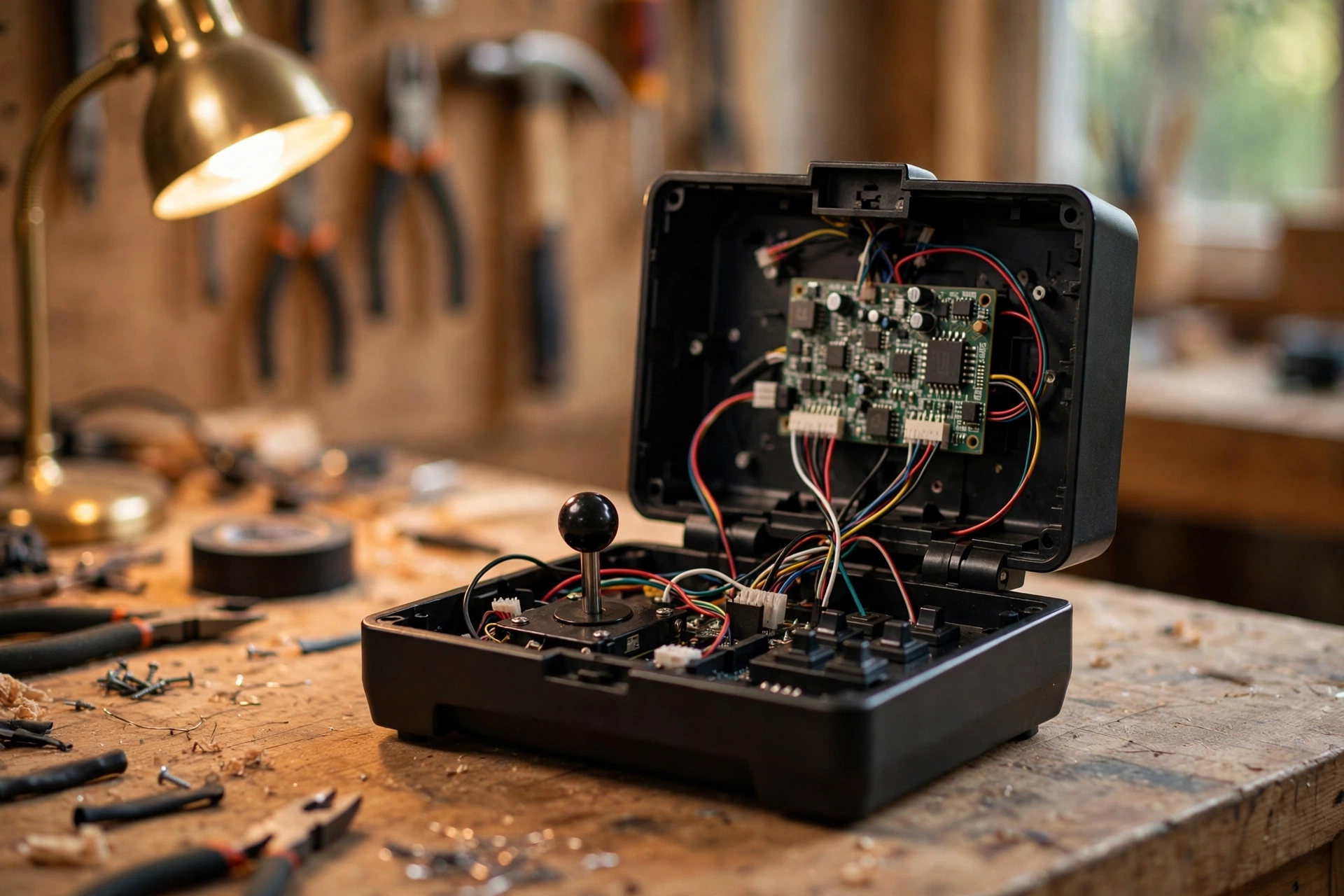
Once you understand the protocol recognition question, the next layer is what’s actually executing it inside the stick: the PCB.
The PCB is the hardware brain of any arcade controller. Every button press, every joystick direction, every input that reaches your console gets processed through that board first.
This is where tiered compatibility creates real confusion. Take Brook boards as an example. The Brook Gen-5X Fighting Board covers PS5, PS4, Xbox Series X/S, Xbox One, Nintendo Switch, and PC natively, with no adapters required. Some Brook boards are documented as having a more restricted PS5 compatibility profile, confirm the exact tier with the seller before purchasing.
Here’s the trap: two sticks can both advertise “Brook board inside” and have entirely different compatibility profiles depending on which Brook board is installed. The headline spec looks the same. The real-world behavior is not.
Just like understanding which arcade cabinet parts separate quality hardware from filler, knowing your PCB tier before buying is the difference between a smart purchase and an expensive mistake.
When evaluating any arcade stick PS5 option, ask the seller specifically which PCB model is installed, then verify its full compatibility tier independently, not just whatever the product page headline says.
Fighting Games Only vs. Full Platform Support: Why the Distinction Matters
So now you know which PCB tier you’re looking at. The next question is whether that tier fits how you play.
The “PS5 fighting games only” limitation is a real-world restriction reported by the fighting game community, some boards are recognised by the console only within titles that have implemented a specific compatibility path. Outside those titles, the stick is not recognised.
If your entire PS5 library is fighting games, that restriction may not affect you. A genre-restricted board covers your use case cleanly, and you’d be paying extra for full support you’d never use.
If you play anything outside that lane, the math changes fast. Beat-em-ups, run-and-guns, retro compilations, platformers with an arcade stick feel: a restricted board locks you out of all of it.
The same question applies when shopping for an arcade controller for Xbox. Confirm whether the stick has native Xbox Series X certification or relies on Xbox One backward compatibility mode, as the latter may not cover all current-gen titles.
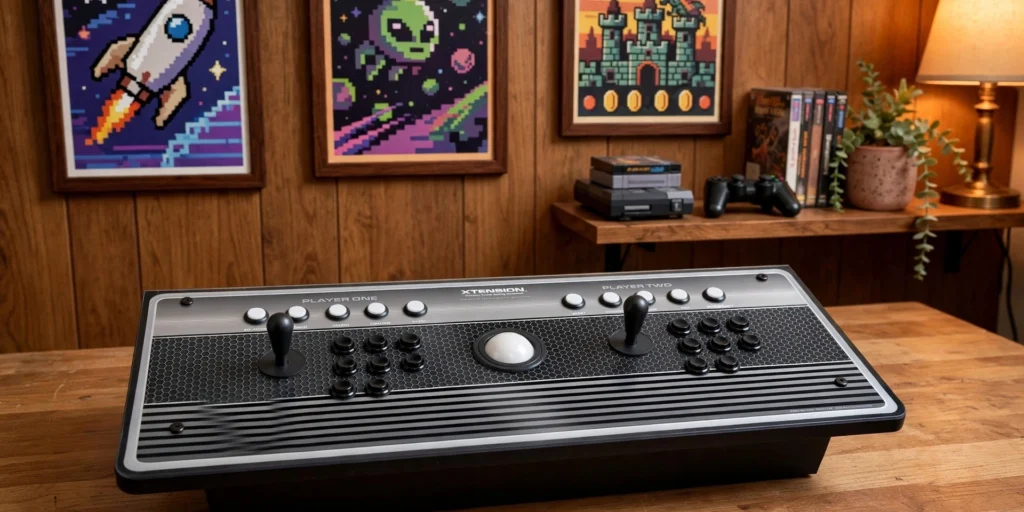
Full platform support costs more upfront, but genre-gating is a hidden cost too. If it changes how you build your library, factor that into the value calculation before focusing on the sticker price. The Xtension 2-Player “Pro Edition” Controller is worth examining with this checklist in hand.
Firmware Update Support: How Long Will This Stick Stay Compatible?
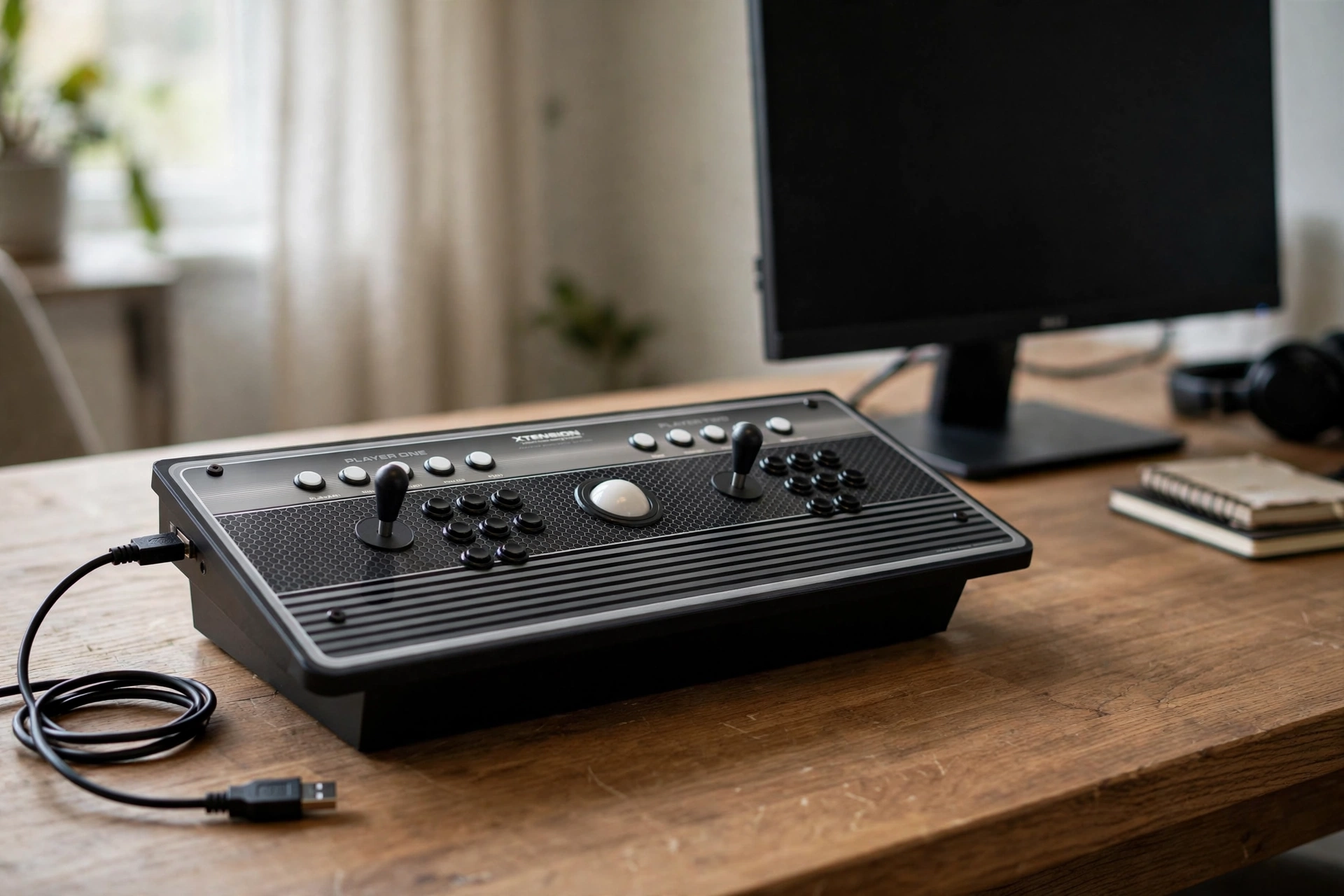
Genre compatibility is one piece of the puzzle. The other is time. A fight stick that works perfectly on day one can stop working after a console update changes input authentication, and if the manufacturer doesn’t push a firmware fix, you’re stuck.
Before buying, check two things: does the manufacturer have a documented firmware update history, and are updates user-installable or mail-in? User-installable updates matter. Waiting weeks to ship a controller for a patch is not a reasonable ownership experience.
This is a significant reason Brook boards dominate the PCB aftermarket. Brook has a strong reputation within the fighting game community for releasing firmware updates after platform changes, which is a key reason their boards dominate the PCB aftermarket, but verify update history for the specific board you’re buying.
For pre-built sticks this matters more than for DIY builds, where you can swap the board entirely. A pre-built stick running an abandoned PCB is on borrowed time. Every console update is a roll of the dice.
The question worth asking any manufacturer before you buy: “When Sony or Microsoft pushes an authentication update, will you release a firmware fix?” How they answer, or whether they even understand the question, tells you everything about long-term value.
If you want hardware backed by real support, all Xtension products are proudly manufactured in the USA and built with that kind of accountability in mind.
Build Quality and Parts: What Separates a Premium Arcade Controller from a Liability
PCB compatibility and firmware support keep your stick working. Parts quality determines whether it’s actually worth using.
Sanwa and Seimitsu are widely regarded as premium benchmarks by the fighting game community for their actuation feel and durability. A stick running either brand feels noticeably different from budget components.
That difference matters more than it sounds. Excellent PCB compatibility paired with mushy, slow-activating buttons means inputs still get dropped, just at a different point in the chain. The console recognizes the controller fine; the buttons are the ones failing you, in a way that’s easy to misdiagnose as a skills problem.
Panel construction is the next factor. Wood and thicker panel materials generally offer better rigidity and vibration damping than thin plastic housings, which is why they’re favoured in premium builds.
Weight and footprint affect stability directly. A lightweight stick slides during intense input sequences, breaking concentration and accuracy. A heavier, well-footed controller stays planted.
If your old stick was cheap and frustrating, upgrading to PS5 or Xbox Series X is the right moment to fix that. Something like the Xtension 4 Player Arcade Controller shows what quality construction actually looks like. Don’t carry bad hardware into a new compatibility-verified setup.
Adapters vs. Native Hardware: When a Converter Makes Sense (And When It Doesn’t)
So you’ve got the parts question sorted. Now the real fork in the road: do you buy a converter for your existing stick, or go native?
Input converters from Brook and similar manufacturers are legitimate, widely used tools in the fighting game community. If you already own a high-quality stick loaded with great parts, and the only problem is that the PCB doesn’t speak PS5 or Xbox Series X, a converter is a genuinely smart call. You may pay relatively little for a converter to save a substantially more expensive stick. That math works.
The trade-offs are real, though. A converter adds latency risk (usually small, but present), creates an extra point of failure, with its own firmware update dependency. When something drops an input, you’ll spend time ruling out whether it was the converter, the stick, or the game.
For buyers starting fresh or replacing a worn-out unit, a natively compatible Xtension 2 Player Arcade Controller is the cleaner path. No dongle, no daisy-chaining, no debugging sessions between matches.
The honest take: adapters are a solid bridge for protecting existing hardware. They are not a great foundation for a new purchase. If you’re spending real money on new gear, spend it on native compatibility and skip the middleman entirely.
What the Xtension Fight Stick Line Offers Current-Gen Players
If you’ve decided native hardware is the right call, the Xtension line from Rec Room Masters is worth a close look.
A few things set it apart:
- Built and assembled in the U.S. The fight stick ships ready to use, right out of the box. Rec Room Masters’ cabinet line is a self-assembly build, but the fight stick is a different story. You plug it in and play. That’s it.
- Quality components, serious construction. Xtension sticks use arcade-grade parts and wood panel construction, which gives them the weight and feel of a real cab rather than a hollowed-out plastic peripheral. That tactile difference is noticeable the moment you set one on your lap.
- Verify PCB compatibility before you buy. This is the step that matters most for PS5 and Xbox Series X buyers. Contact Rec Room Masters directly and confirm which board is installed in the specific model you’re considering, along with its full platform support profile. Don’t assume; ask.
- Custom build quality, finished product convenience. You get arcade controllers proudly manufactured in the USA without sourcing parts, researching compatibility, or assembling anything yourself.
- Real support from people who know the hardware. As a U.S.-based operation, Rec Room Masters can answer the exact compatibility questions this guide has been unpacking, not redirect you to a generic FAQ.
The Pre-Purchase Checklist: 5 Questions to Ask Before You Buy Any Fight Stick
Before you hand over your credit card, run every stick through these five questions:
- Does this stick natively support PS5 or Xbox Series X? “Compatible” is doing a lot of heavy lifting in some product listings. Ask specifically whether compatibility is native, adapter-dependent, or limited to a fighting-game-only authentication path. Vague answers are a red flag.
- Which exact PCB is installed, and what is its full compatibility tier? Two sticks can both list “PS5 support” and have completely different real-world coverage depending on the specific board inside. Get the model name and verify it covers your full library, not just the fighting game section.
- Does the manufacturer publish firmware updates, and can you install them yourself? Console software updates can break input authentication overnight. A manufacturer with a documented update history and user-installable patches protects your investment. One with radio silence after launch doesn’t.
- Are the joystick and buttons arcade-grade, and what is the panel made of? Sanwa and Seimitsu are widely regarded as the benchmarks. Wood or thick acrylic panels outlast thin plastic housings and feel better under pressure. Confirm both before buying.
- If you’re going the converter route, does the math actually work out? Add up the adapter cost, the latency risk, and the ongoing firmware dependency. For many buyers starting fresh, a natively compatible stick is the cleaner and cheaper long-term call.
Bottom Line: Buy Once, Buy Right
You’ve just asked all five of the right questions. That puts you ahead of most buyers who click “add to cart” and discover the compatibility problem after the fact.
Here’s the short version: the current-gen compatibility maze is real, but it’s not a mystery. It just requires reading past the word “compatible” on a product page. That one word used to mean something simple. Now it can mean native support, fighting-games-only authentication, adapter-dependent workarounds, or legacy backward compatibility with caveats. Knowing the difference is the whole game.
The four filters this guide covered, protocol support, PCB tier, firmware history, and build quality, eliminate the most common failure modes before they cost you money.
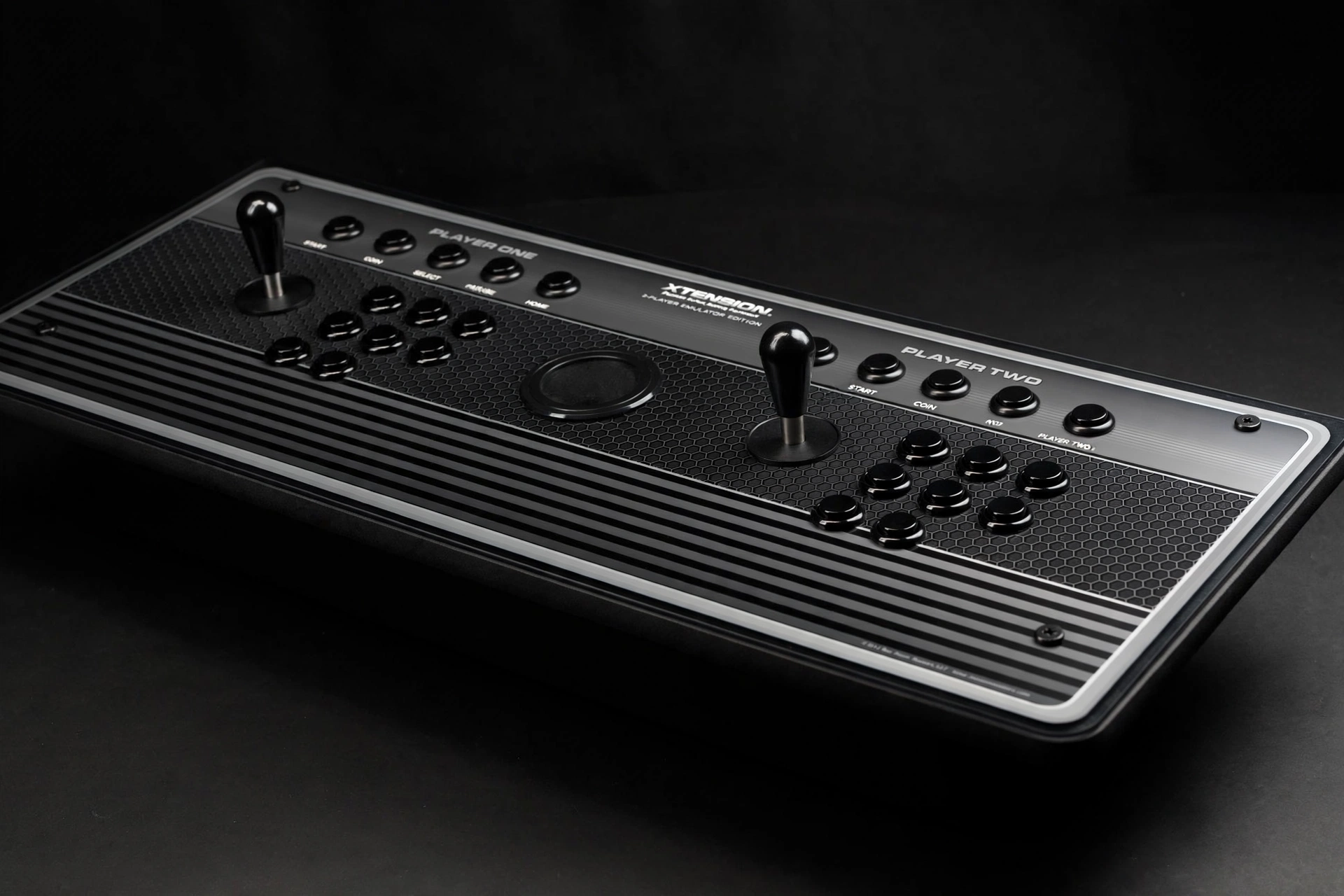
If you want a fully assembled, U.S.-built option with quality components and people who can actually answer your compatibility questions, the Xtension line from Rec Room Masters is worth a serious look. Check current models at recroommasters.com and reach out before purchasing to confirm PCB specs for your specific console.
The fight stick market rewards buyers who do ten minutes of homework. You’ve just done it.
Conclusion
Modern fight sticks are not created equal, and the gap between a great purchase and an expensive mistake comes down to a few critical factors. Armed with those four filters, you are no longer guessing. You are making an informed decision with real criteria. The right fight stick does not just connect to your console; it connects to every session, every tournament, and every win ahead of you. Do the homework once. Enjoy the results for years.
