

RecRoomMasters
Arcade Cabinet vs. Pedestal: Which Fits Your Game Room?
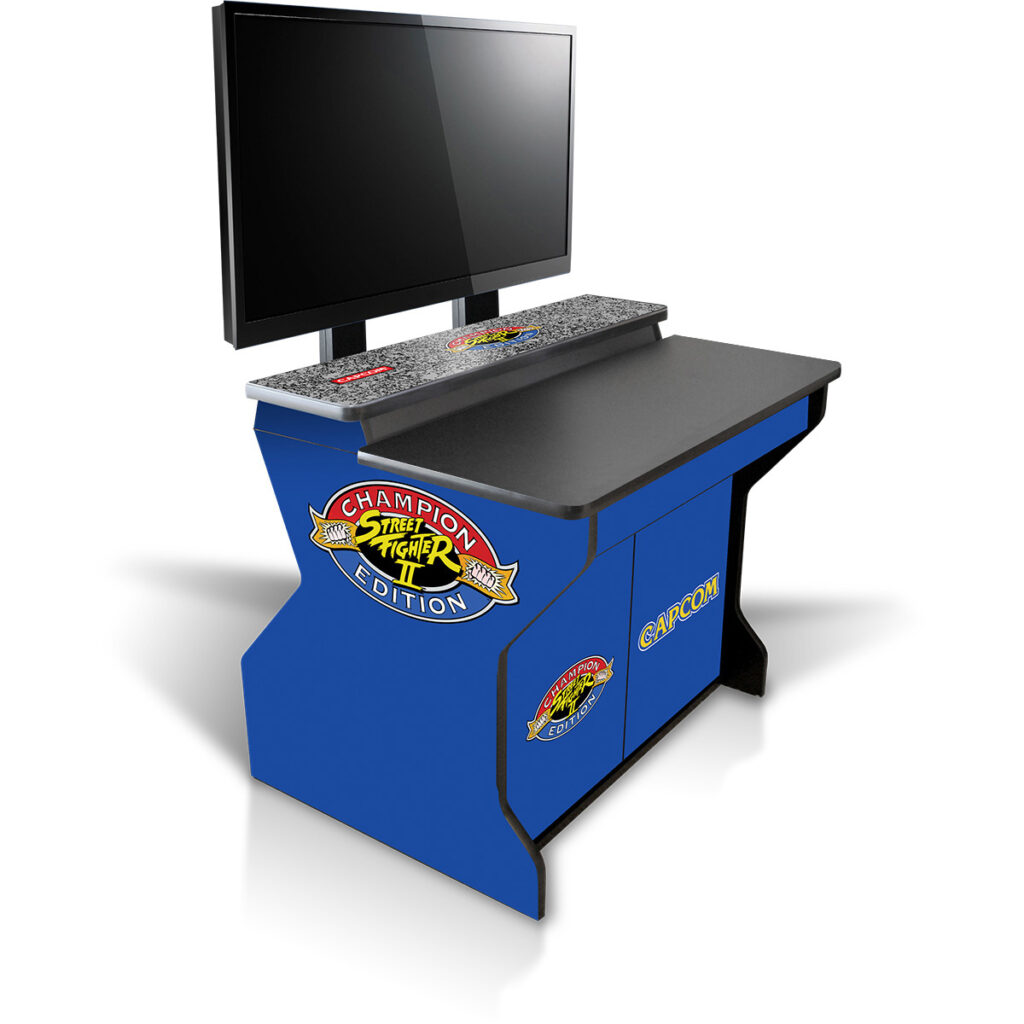
Nov
Choosing between an arcade cabinet and an arcade pedestal is not just a style decision. It determines how much floor space you surrender, how much you spend, how you sit or stand while playing, and how much assembly you are willing to tackle. A full cabinet delivers the unmistakable presence of a classic arcade machine, complete with art, marquee, and integrated controls. A pedestal setup separates the control deck from the screen, which can save space, adapt to different displays, and suit modern game rooms. Neither format is automatically better. The right choice depends on your room, your budget, and your habits.
This comparison will help you decide with confidence. We will define what counts as a cabinet and what counts as a pedestal, then examine space and room fit, real costs, gameplay experience, sightlines, seating, controls, and build requirements. You will also see who each format suits best, a five-minute verdict framework, answers to common questions, and final guidance for picking the format that matches how you actually play.
Quick Answer: Cabinet or Pedestal at a Glance
Pick a full cabinet if the machine will be the permanent focal point of a committed room; pick a pedestal if arcade controls need to share space with a room that does other jobs.
A cabinet is a self-contained unit with screen, controls, and body in one piece. A pedestal is a control deck on a stand that pairs with a display you supply. Both run the same game libraries, so the choice is furniture, ergonomics, and where the money goes, not which games are playable.
| Full Cabinet | Arcade Pedestal | |
|---|---|---|
| Footprint | Varies by model, check spec sheet | Varies by model, check spec sheet |
| Typical price band | Higher upfront; screen and audio included | Lower to comparable; you supply the display |
| Seating position | Standing at fixed height | Seated or standing; stool, bench, or couch |
| Control panel | Integrated full-size panel | Full-size deck on a stand |
| Assembly effort | Self-assembly build (see Build section) | Deck ships assembled; connect and configure |
| Best suited for | Dedicated game room, collector, family machine | Renters, small spaces, seated players, multi-use rooms |
The sections that follow cover space, cost, gameplay, assembly, and audience fit, with the recommendation at the end. Still weighing control hardware? See our arcade fight stick buying guide before you commit.
What Counts as a Cabinet and What Counts as a Pedestal
A full cabinet is a self-contained upright: monitor, marquee, control panel, and often a coin door built into one body. Heights and display sizes vary by model, check the current spec sheet for exact dimensions.
A pedestal separates controls from screen. You get a stand-mounted deck at a deck height suited for standing or seated play, exact measurements vary by model, paired with a TV, monitor, or projector on a separate stand or wall mount. The display you already own effectively becomes the cabinet. If not every arcade setup should dominate the room, that is the point: the format descends from commercial arcade control decks and sit-down layouts adapted for homes where a full upright will not fit.
Bartop and countertop cabinets shrink the footprint further, so the choice is not strictly binary.
Nor is a pedestal a step down in control quality. A pedestal using full-size arcade hardware gives you the same control quality you would expect from a cabinet, assuming comparable parts.
One brand detail changes the effort math: Rec Room Masters cabinets ship as self-assembly builds, while controllers ship fully assembled and ready to play. A pedestal setup therefore arrives closer to plug-and-play.
Space and Room Fit: Which Format Fits Your Floor Plan
Budget the play zone, not just the box. A full cabinet’s footprint varies by model; check the spec sheet. Allow generous standing clearance in front for two players, plus a few inches behind for ventilation and back-panel access. Read the 4-player arcade cabinet build guide if a wider deck is on your shortlist.
A pedestal base is compact, though the display stand or wall mount and your seating are part of the real cost. Tape out the entire zone.
Height decides as much as width. A cabinet’s marquee and screen sit at a fixed height, which fights sloped ceilings, high wall mounts, and low basement joists. A pedestal lets you raise or lower the display to suit your seating.
Before ordering, measure door widths, hallway turns, and stair landings. A cabinet arrives flat-packed, then becomes bulky and awkward to move once built.
In a small multipurpose room, say, 10 by 12 feet, a pedestal with a wall-mounted display and a folding stool can return the floor to living space almost instantly.

Cost: What You Actually Pay For in Each Format
Before comparing prices, itemize them: cabinet body and finish, display, control hardware, encoder or board or PC, audio, and shipping. A pedestal removes the display, and sometimes the audio, from the bill entirely.
In a cabinet, cost concentrates in material and build quality, full-size control hardware, monitor size and type, side art, and whether it ships as a self-assembly kit or pre-built. Mass-market units trim controls and monitor quality, which is exactly where feel is lost.
A pedestal’s price is driven by the deck’s button count and quality, the stand’s stability, and your display. Paired with a mid-range TV it can land under a comparable cabinet; pair it with a large premium screen and it can exceed one.
Hidden costs cut both ways: freight and shipping weight on cabinets, wall-mount hardware and cable management on pedestals, plus tools and a weekend of labor for a kit build.
Value differs by shape. A cabinet is one furniture-grade purchase that holds the room’s focal point. A pedestal spreads the spend and lets you upgrade the display later without replacing the controls. Standard, replaceable arcade parts mean swapping a joystick, a button, or an encoder instead of replacing the whole unit. For reference, the Upright 2-player cabinet starts at $1,095 and the Xtension Sit Down Pedestal starts at $1,025 (display not included).
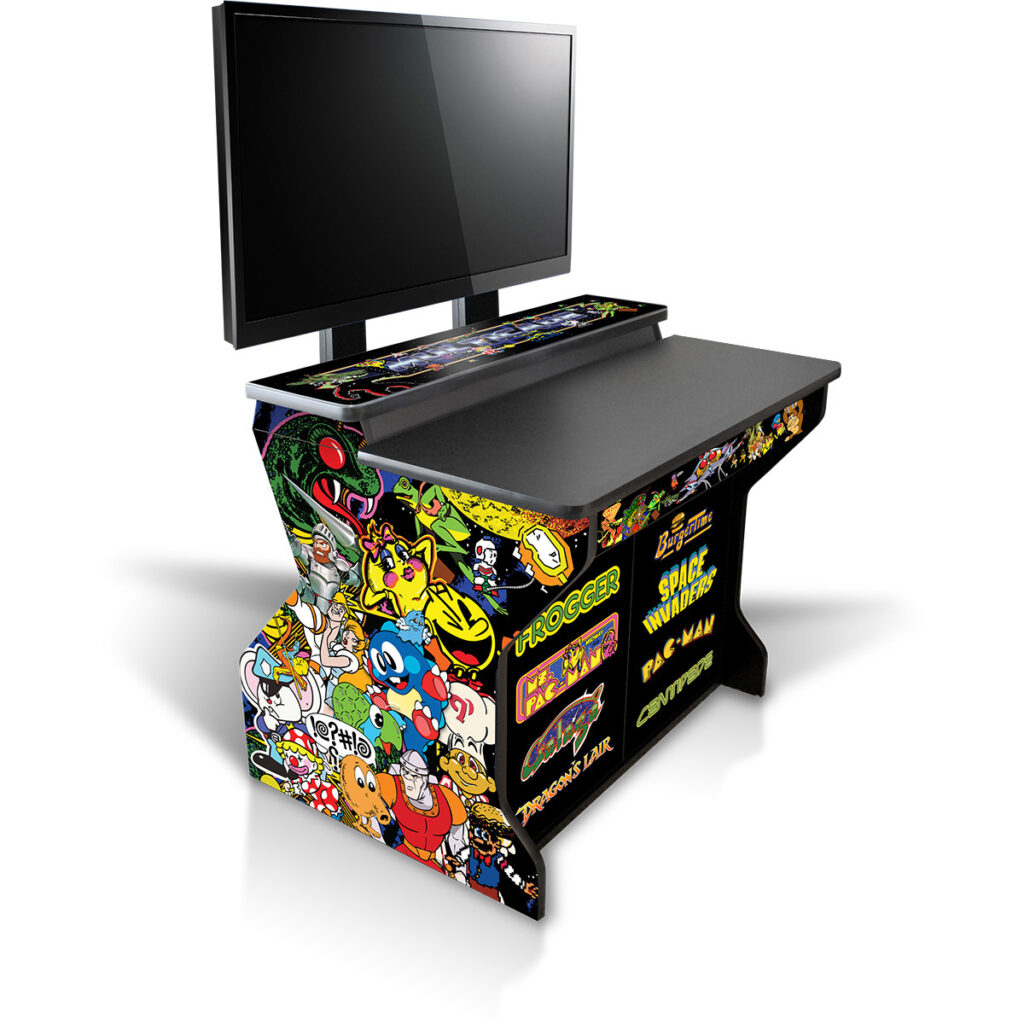
Gameplay Experience: Sightlines, Seating, and Controls
Seating shapes everything. Cabinets are built for standing play at full-size height: authentic, but tiring over long sessions. Pedestals pair naturally with bar stools, benches, or a couch, suiting marathon sessions and mixed-age family play. Our guide to upright vs. sit-down arcade cabinet builds covers that trade-off in depth.
A pedestal lets you set display height and distance: center the screen near eye level while seated and keep the deck at a comfortable arm’s length.
Both formats should use full-size controls at standard full-size button spacing. Budget units often sacrifice control quality first.
Two-player side-by-side works in both. A cabinet’s fixed panel width caps the crowd, while a pedestal can take a wider deck or a second control panel for four-player nights.
Trackball and spinner games, twin-stick shooters, and fighters each favor different deck angles and heights. A slightly tilted deck with generous palm rest prevents wrist fatigue.
Cabinets project sound from a fixed point inside the body, recreating the arcade feel. Pedestals rely on your TV or separate speakers, so plan accordingly.
Build and Assembly: Kit Cabinets vs. Pedestal Setups
Rec Room Masters cabinets are self-assembly builds; the controllers arrive ready to use, so the build effort question applies only to the cabinet.
Unbox flat-packed panels, verify hardware, assemble the body and base, mount the display and control panel, connect the encoder, and apply side art. A DIY arcade cabinet kit is a precision-cut flat-pack, not a mystery box. Pedestals, by contrast, require little more than positioning your display and tidying cables.
No soldering or woodworking required. A screwdriver, hex key, and patience cover it; a second person helps when tipping the assembled body upright.
For many buyers, the build is a feature. You learn how the machine works, future part swaps get easier, and you can service it yourself instead of shipping it back.
Prep smart: lay panels on a protected floor, sort hardware by bag, leave clearance to tip the cabinet upright, and build in the room where it will live if access allows.
Who Each Format Suits Best
Assembly sorted, the next question is fit.
Full cabinet. Collectors and enthusiasts want a centerpiece they play standing, with marquee and side art doing the presentation work, and a dedicated wall to give it permanently. Families get one durable machine kids can walk up to, with screen, sound, and body included, nothing left to source.
Pedestal. Renters and small-apartment dwellers get a setup that folds back into the room, especially if they already own a good TV or monitor. Seated players, including anyone with back or knee trouble, play from a couch or stool at a screen height they control. Multi-format gamers run arcade controls across a wider library, modern titles and emulation included, without surrendering permanent floor space to a cabinet-shaped object.
Upgrades differ too: pedestal owners add a second control deck or a larger display; cabinet owners typically add another cabinet or a bartop for a different game style.
The Verdict: How to Decide in Five Minutes
Whichever profile fit best, the decision now comes down to three quick checks.
Space first. Does your room have a permanent wall or corner with adequate standing clearance in front? A cabinet belongs there. If the room doubles as a guest room, office, or tight multipurpose space, a pedestal fits better, as explored in the Space and Room Fit section above.
Play style second. As covered in Who Each Format Suits Best, standing centerpiece play points to a cabinet; seated, display-flexible play points to a pedestal.
Budget shape third. If you want one purchase that includes everything and you are willing to build it, a kit cabinet delivers the most arcade per dollar. A pedestal wins when you want to spread the spend or reuse a display you already own.
Both formats can deliver the same control feel when equipped with comparable full-size arcade hardware. The choice is about space and seating, not quality.
On recroommasters.com, browse cabinets if your room is committed, or pedestals and control decks if it is not. Pair either with a controller that arrives ready to play.
Frequently Asked Questions
A few final details remain.
Can a pedestal play the same games as a full cabinet? Yes. The game library comes from the hardware behind the controls, not the furniture around them, when paired with a display and compatible system or PC. Our guide to multi-game emulation covers that setup.
Is a pedestal sturdy enough for aggressive two-player play? A quality pedestal built on a stable, well-weighted base holds firm during aggressive play. A small, flimsy stand is the weak point.
How much room does a full cabinet need? Allow the footprint, standing clearance in front, and a few inches behind for ventilation and access. Confirm dimensions from the current spec sheet for your model.
Must I build the cabinet myself? Rec Room Masters cabinets ship as self-assembly kits; controllers arrive fully assembled. Plan for a self-assembly session with basic hand tools, the kit is designed to be built without woodworking skills.
Can I use a projector or large TV with a pedestal? Yes, that flexibility is a main advantage. Check input lag first; responsiveness matters more than screen size.
Which format holds value better? Both formats use standard, replaceable arcade parts, which generally support serviceability and component-level upgrades over time.
Conclusion: Pick the Format That Fits How You Play
Measure first, then browse. Tape the footprint and standing clearance onto your floor before ordering, and verify dimensions against the current spec sheet for the exact model you want.
Then match the format to your body and session length. Twenty minutes standing at a cabinet feels great; two hours does not. Budget for the whole setup rather than the headline price: add the display, mounting hardware, seating, shipping, and the build time a kit cabinet requires.
The three checks in the Verdict section point to a clear answer for most rooms. Once you have measured, head to recroommasters.com and browse cabinets or pedestals and control decks with the right format already in mind.
